
The 21st-century classroom is no longer defined by rows of silent desks and a dusty chalkboard. As we navigate the educational landscape of 2026, a significant shift toward digital-first, participatory learning is underway. While many schools have adopted basic technology, a common challenge persists: how do you move beyond passive consumption—like watching a video—and foster genuine, active participation?
Traditional tools like projectors and basic whiteboards frequently lead to “screen fatigue” or student boredom. The modern solution that leading educational institutions are prioritizing is the advanced IFP (Interactive Flat Panel). This technology doesn’t just display information; it creates an environment where students actively construct knowledge.
Here is a detailed look at 10 Ways Interactive Flat Panels are revolutionizing classrooms and dramatically boosting student engagement.
1. Turning Lessons into Gamified Learning Experiences
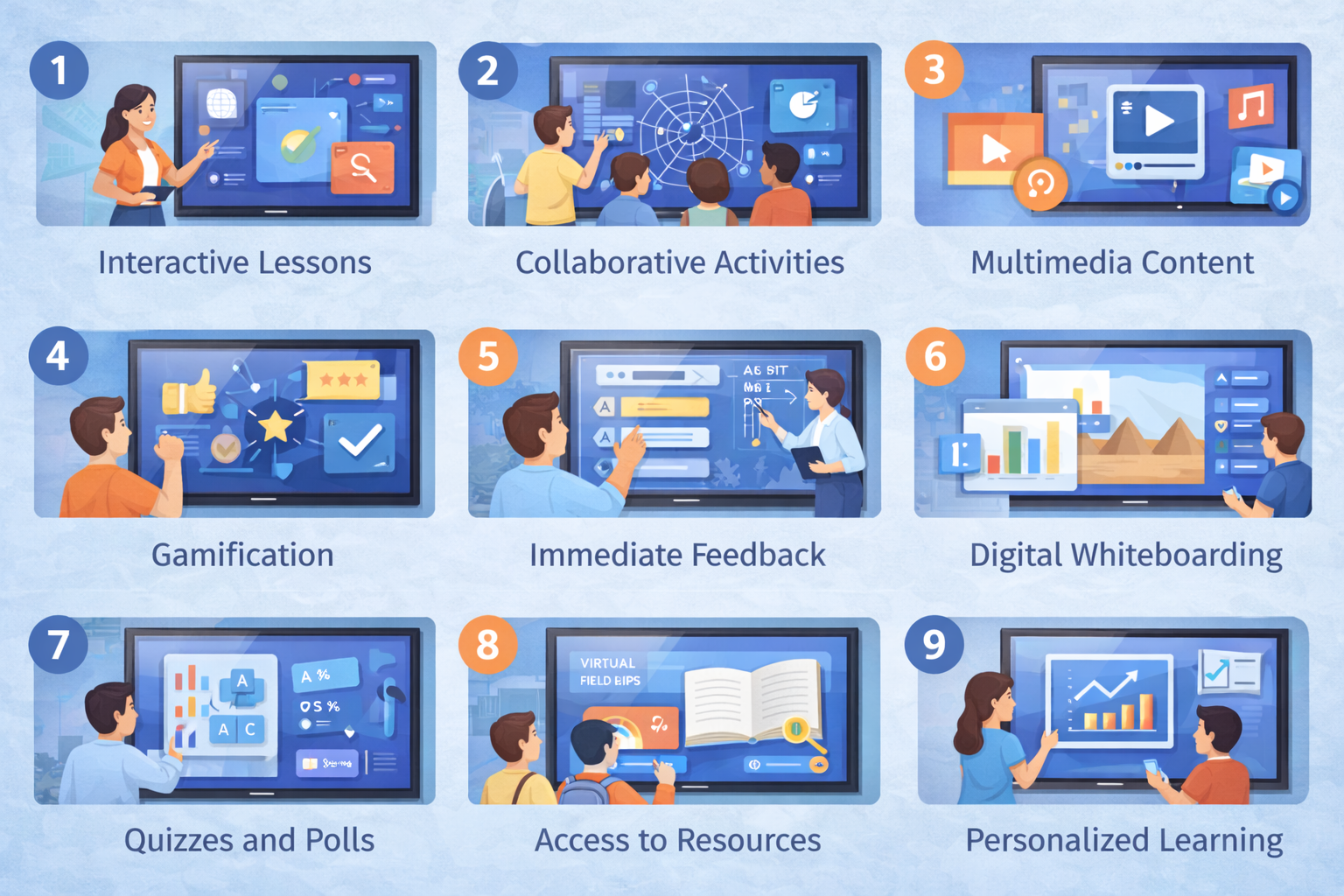
One of the fastest ways to grab a student’s attention is through play. Modern IFPs feature high-performance processors that can seamlessly run complex educational games and simulation software without lag. Teachers can turn standard end-of-unit quizzes into competitive, high-energy games using platforms like Kahoot! or Quizizz directly on the screen. This converts a potentially stressful assessment into an engaging challenge that students are eager to participate in.
2. Multi-Touch Collaboration for Active Problem Solving
Engagement increases exponentially when students work together. Unlike traditional whiteboards where only one person can write at a time, interactive flat panels support multiple touchpoints (often 20 to 40 simultaneously). This allows groups of students to work together on the same screen—whether they are solving a complex algebra problem, categorizing data, or co-authoring a brainstorming mind map. Check out the TechSens India Senes Pro Series, which offers this high-precision touch technology for truly collaborative classrooms.
3. Immersive Virtual Field Trips in 4K
When you can’t take the students to the world, the IFP brings the world to the students. With stunning 4K resolution, an IFP can transform the front of the classroom into a window to the Great Barrier Reef, the International Space Station, or ancient Rome. Utilizing software like Google Earth VR or interactive 360-degree videos allows students to explore these locations in vivid detail, making abstract subjects feel immediate and real.
4. Real-Time Annotation and Dynamic Feedback
Static presentations are engagement killers. With an interactive flat panel, the lesson becomes alive. Teachers can “ink” or annotate over any content—be it a live web page, a video (pausing it mid-stream), or a PDF. This ability to instantly highlight, circle, or draw diagrams helps clarify complex points in real-time. For a deeper understanding of how these visual aids impact learning retention, explore the research on visual learning from Harvard University.
5. Seamless Device Integration (BYOD)
In a modern classroom, every student often has a device (laptop, tablet or smartphone). A major bottleneck in engagement is transitioning between the student’s work and the main display. IFPs solve this via native casting technology. Students can instantly share their screen with the class at the touch of a button, fostering a culture of presentation and discussion. You can learn more about establishing standards for classroom technology integration via EDUCAUSE.
6. Leveraging AI-Powered Teaching Tools
The newest generation of interactive flat panels, particularly the AI-integrated panels by TechSens India, includes features that automate mundane tasks, allowing the teacher to focus solely on the students. This includes “handwriting-to-text” conversion, automatic shape recognition for perfect geometry drawings, and even AI-driven tools that can summarize a lesson or generate quiz questions on the fly based on the content presented.
7. Catering to Multiple Learning Styles (VARK)
Every student learns differently. The VARK model highlights Visual, Auditory, Read/Write, and Kinesthetic learners. An IFP is one of the few tools that can cater to all four simultaneously. You have 4K graphics for visual learners, high-fidelity built-in speakers for auditory learners, dynamic text tools for readers, and the physical interaction of touching the screen for kinesthetic learners.
8. Enhancing Inclusivity with Assistive Technology
Engagement also means ensuring every student can participate. IFPs come equipped with accessibility features that are often absent in traditional setups. This includes instantly adjustable text size, screen magnification, contrast adjustments for visually impaired students, and text-to-speech functionality. These features help ensure that students with special needs are not left out of the main classroom activities.
9. Hybrid and Remote Learning Readiness
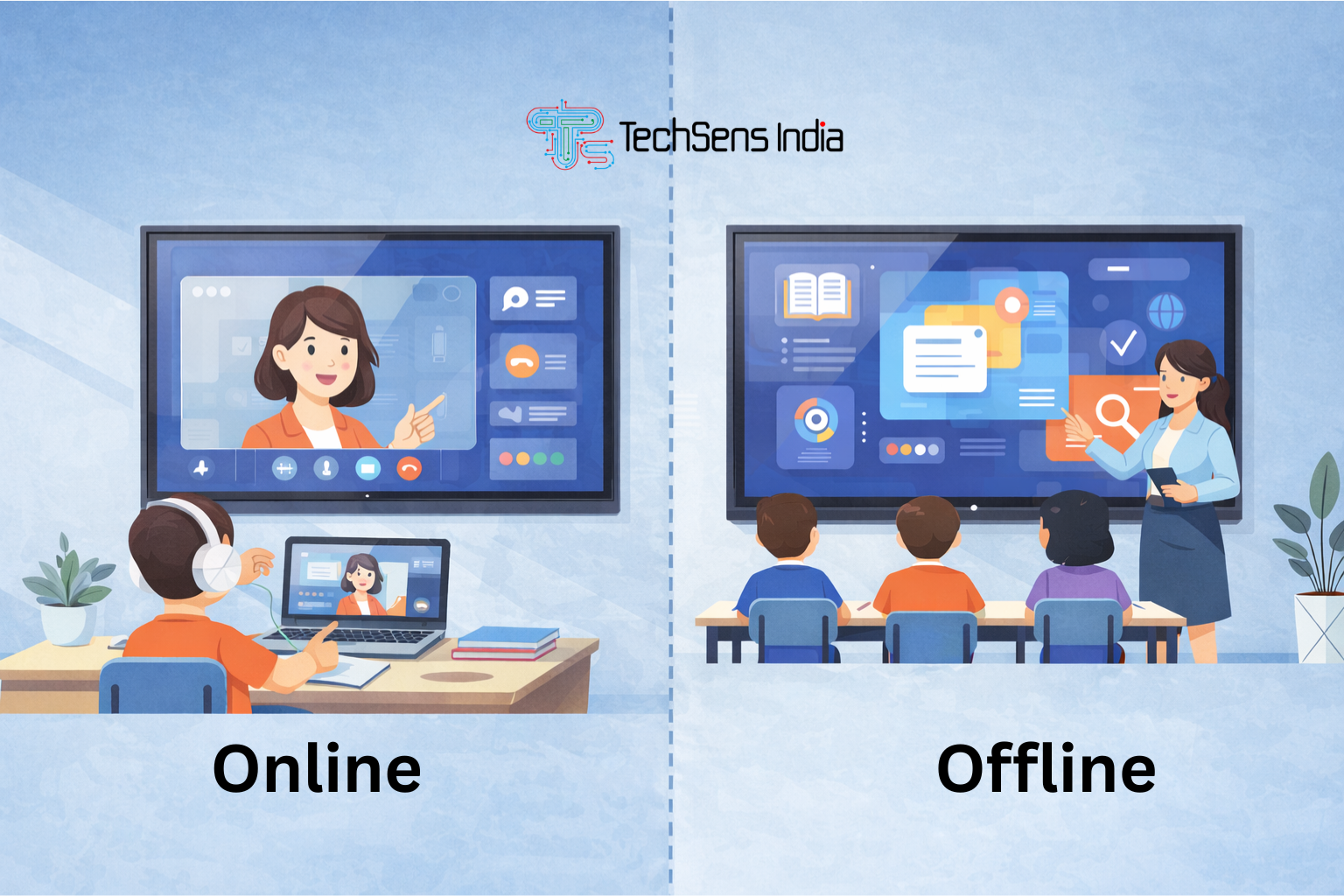
In the post-pandemic era, hybrid learning remains a reality. A high-end IFP acts as the hub for a “HyFlex” classroom. Models with integrated cameras, high-quality microphone arrays, and seamless integration with platforms like Zoom or Microsoft Teams ensure that remote students feel as engaged as those physically present. The remote students can even see annotations made on the board in real-time on their own devices.
10. The Infinite Canvas for Endless Imagination
Perhaps the most empowering feature of an IFP is the “infinite canvas.” Unlike a physical chalkboard that must be erased when full, a digital whiteboard can zoom out or scroll infinitely. This encourages massive, free-flowing brainstorming sessions without the interruption of erasing. Teachers can save these canvases and share them digitally, allowing students to review the authentic class discussion later, reinforcing their engagement with the material.
Why TechSens India is the Strategic Choice for Your Institution
While these 10 Ways Interactive Flat Panels can boost engagement, the quality of the hardware matters immensely. Laggy screens, poor resolution, or confusing software will hinder rather than help.
TechSens India offers IFPs specifically engineered for the rigorous demands of the modern classroom. Their panels feature Android 13/14 operating systems, zero-bonding technology for a natural writing experience, and robust safety features like anti-glare, germ-resistant screens.
Furthermore, TechSens India provides comprehensive nationwide support and training across India, ensuring that your teachers are fully equipped to utilize these 10 strategies effectively.
Conclusion
We are moving past the era where technology was simply an add-on in the classroom. Today, it is an essential catalyst for participation and critical thinking. The 10 Ways Interactive Flat Panels outlined in this post are not merely gimmicks; they are proven methods for shifting the paradigm from passive learning to active engagement.
Technology should not attempt to replace the teacher; instead, tools like the interactive flat panel are designed to empower educators, giving them the flexible, dynamic toolkit they need to inspire the next generation. This aligns with the global vision of modernizing education, as detailed in the UNESCO ICT in Education guidelines.
Ready to bring the future of learning to your institution?
Explore the complete range of interactive solutions at TechSens India today.
-
What are the top 10 ways Interactive Flat Panels improve learning?
The 10 Ways Interactive Flat Panels boost engagement include gamified learning, multi-touch collaboration, virtual 4K field trips, real-time annotation, seamless device casting (BYOD), AI-powered teaching tools, catering to VARK learning styles, inclusive assistive technology, hybrid/remote readiness, and the use of an infinite digital canvas.
-
How does an IFP differ from a traditional projector or whiteboard?
Unlike projectors that suffer from "screen fatigue" and shadows, or whiteboards that require constant erasing, an advanced IFP from TechSens India provides a high-resolution 4K display, interactive touch capabilities, and built-in AI tools. It moves students from passive viewing to active, participatory learning.
-
Can multiple students use the TechSens India panel at the same time?
Yes. One of the primary 10 Ways Interactive Flat Panels foster teamwork is through multi-touch technology. Panels like the Senes Pro Series support 20 to 40 simultaneous touchpoints, allowing groups of students to solve problems or brainstorm on the same screen together.