
Indian education is changing fast. Students who grow up with smartphones and video expect lessons that are visual, interactive and connected. Schools that respond with a well-planned smart classroom see higher engagement, better concept clarity and stronger parent confidence. Schools that rush the purchase, however, end up with expensive screens that gather dust.
This guide shows you how to plan a smart classroom the right way. You will learn what equipment you need, how to lay out the room, how to budget, how to train teachers and how to measure results. Whether you run a CBSE school, a state-board school, a college or a coaching institute, these steps apply to you.

What Is a Smart Classroom?
A smart classroom is a learning space that uses digital technology to make teaching more interactive and effective. At its heart sits an interactive display, usually a 4K interactive flat panel, supported by audio, video, connectivity and software. Teachers present multimedia lessons, students interact with content and everyone can access recorded lessons later.
A smart classroom is not just a screen on the wall. It combines hardware, software, content, training and support into one system. When all five work together, technology fades into the background and learning takes centre stage.
Benefits of a Smart Classroom
For students
- Better understanding: Animations, 3D models and simulations make abstract concepts concrete.
- Active participation: Students come to the board, solve problems and collaborate.
- Revision on demand: Recorded lessons let students revisit difficult topics at home.
- Inclusive learning: Visual, audio and hands-on content supports different learning styles.
For teachers
- Faster preparation: Teachers build lessons once and reuse them across sections.
- Richer content: Built-in libraries, videos and web resources sit one tap away.
- Instant assessment: Quick polls and quizzes show who understood and who needs help.
- Less physical strain: No chalk dust, no repeated board writing and no shouting over noisy projectors.
For school management
- Stronger reputation: Parents increasingly choose schools with visible digital readiness.
- Hybrid continuity: A smart classroom keeps teaching running during closures and absences.
- NEP 2020 alignment: Technology-enabled, experiential learning supports national policy goals.
Essential Smart Classroom Equipment
Every smart classroom needs a core set of equipment. Add optional items based on your teaching goals and budget.
| Equipment | Purpose | Priority |
|---|---|---|
| Interactive flat panel (65–86 inch) | Main display, digital whiteboard and computer | Essential |
| Wall mount or mobile stand | Safe, correct-height installation | Essential |
| Online UPS | Protects the panel and prevents lesson loss | Essential |
| Wi-Fi or LAN connectivity | Content streaming, updates, cloud sharing | Essential |
| Teaching software and content | Whiteboard tools, 3D models, curriculum content | Essential |
| Camera and microphones | Lesson recording, hybrid and online classes | Recommended |
| Classroom speakers | Clear audio in large rooms | Recommended |
| Document camera or visualiser | Show books, objects and student work | Optional |
| Student devices | Tablets or laptops for collaborative activities | Optional |
| Digital signage outside the room | Timetables, announcements, notices | Optional |
The interactive flat panel
The panel is the centre of every smart classroom. Choose 4K resolution, smooth multi-touch with 20 or more touch points, Google EDLA-certified Android, strong whiteboard software and wireless screen sharing. AI tools, such as curriculum search, math solvers, translation into Indian languages and 3D models, add real value. Our Sense EDGE and Sense PRO panels bring these tools together for Indian classrooms. For a detailed size and cost comparison, read our guide to choosing a smart board for classroom teaching.
Audio and video
If you plan to record lessons or run hybrid classes, add a good camera and microphones. Panels with a built-in 4K camera and a microphone array keep the setup clean. Larger rooms benefit from ceiling or wall speakers so every student hears clearly.
Connectivity
A smart classroom depends on reliable internet. Plan access points so every room receives a strong signal, and keep a LAN option for panels that stream high-resolution video.
Smart Classroom Layout and Design
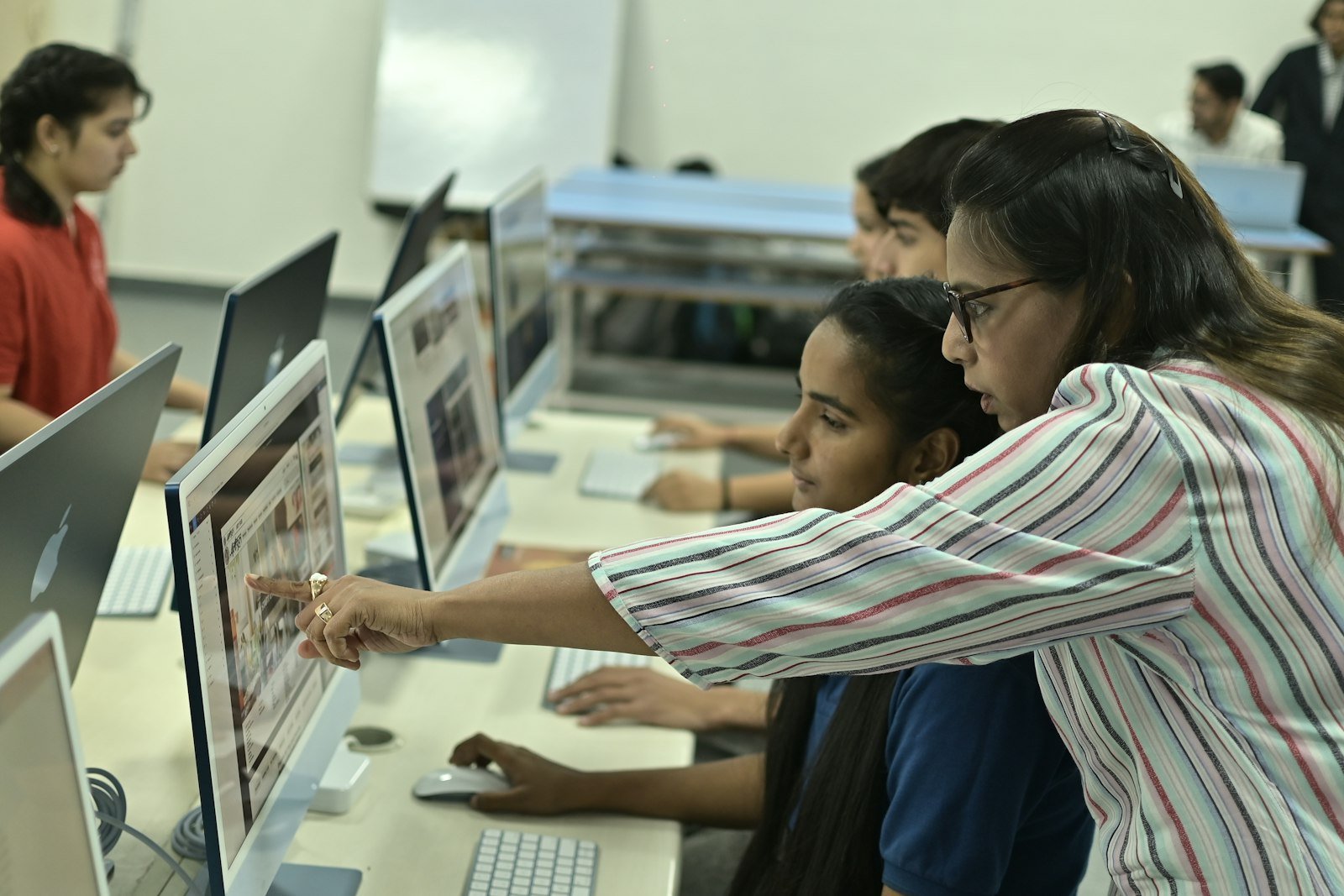
Good layout ensures every student sees and hears clearly and that teachers move freely.
- Screen placement: Mount the panel at the centre of the front wall, away from direct sunlight.
- Viewing distance: Keep the last row within about four times the screen height. A 75-inch panel suits rooms up to roughly 25 feet deep.
- Seating: Arrange benches in rows for lectures, or in clusters for group work. Movable furniture lets teachers switch formats.
- Lighting: Use blinds to control glare and LED lighting that does not reflect on the screen.
- Cable management: Run cables through conduits so the room stays safe and tidy.
- Acoustics: Soft boards, curtains and acoustic panels reduce echo, which matters for recorded lessons.
Smart Classroom Cost: How to Budget
The cost of a smart classroom depends mainly on the interactive panel, plus installation, power backup, connectivity and training. In 2026, a 75-inch education-grade panel typically costs between ₹1 lakh and ₹1.75 lakh, and smaller or larger sizes shift that figure down or up. Our interactive flat panel price guide explains these ranges in detail.
Build your smart classroom budget in layers:
- Core layer: Panel, mount, UPS and installation.
- Connectivity layer: Access points, cabling and internet bandwidth.
- Content layer: Software, curriculum content and subscriptions, if any.
- People layer: Teacher training and refresher sessions.
- Support layer: Warranty extensions and annual maintenance.
Many schools phase their rollout over two or three years. They equip senior classes and labs first, then extend to junior sections. Bulk orders, EMI plans and leasing also make a smart classroom programme more affordable.
Step-by-Step Smart Classroom Setup Checklist
- Define goals: Decide what you want to improve, such as engagement, results, hybrid readiness or teacher efficiency.
- Audit infrastructure: Check walls, power, earthing, network and lighting in every room.
- Select equipment: Choose panel sizes and features room by room.
- Request live demos: Let teachers test shortlisted panels in real classrooms.
- Run a pilot: Set up two or three smart classroom rooms and gather feedback for a month.
- Finalise and install: Lock specifications, place the order and schedule installation around exams.
- Train teachers: Hold hands-on sessions before and after installation.
- Build a content library: Organise lessons by grade and subject in a shared folder.
- Monitor and support: Track usage, fix issues quickly and run refresher training each term.
Training: The Make-or-Break Factor
A smart classroom only works when teachers use it confidently. Plan training in three stages:
- Basics: Switching on, writing, erasing, saving, sharing screens and opening apps.
- Teaching techniques: Using 3D models, videos, quizzes and split screens to explain concepts.
- Advanced use: Recording lessons, running hybrid classes and building reusable lesson libraries.
Techsens India includes up to three years of complimentary teacher training with Senses panels, so your smart classroom keeps improving long after installation.
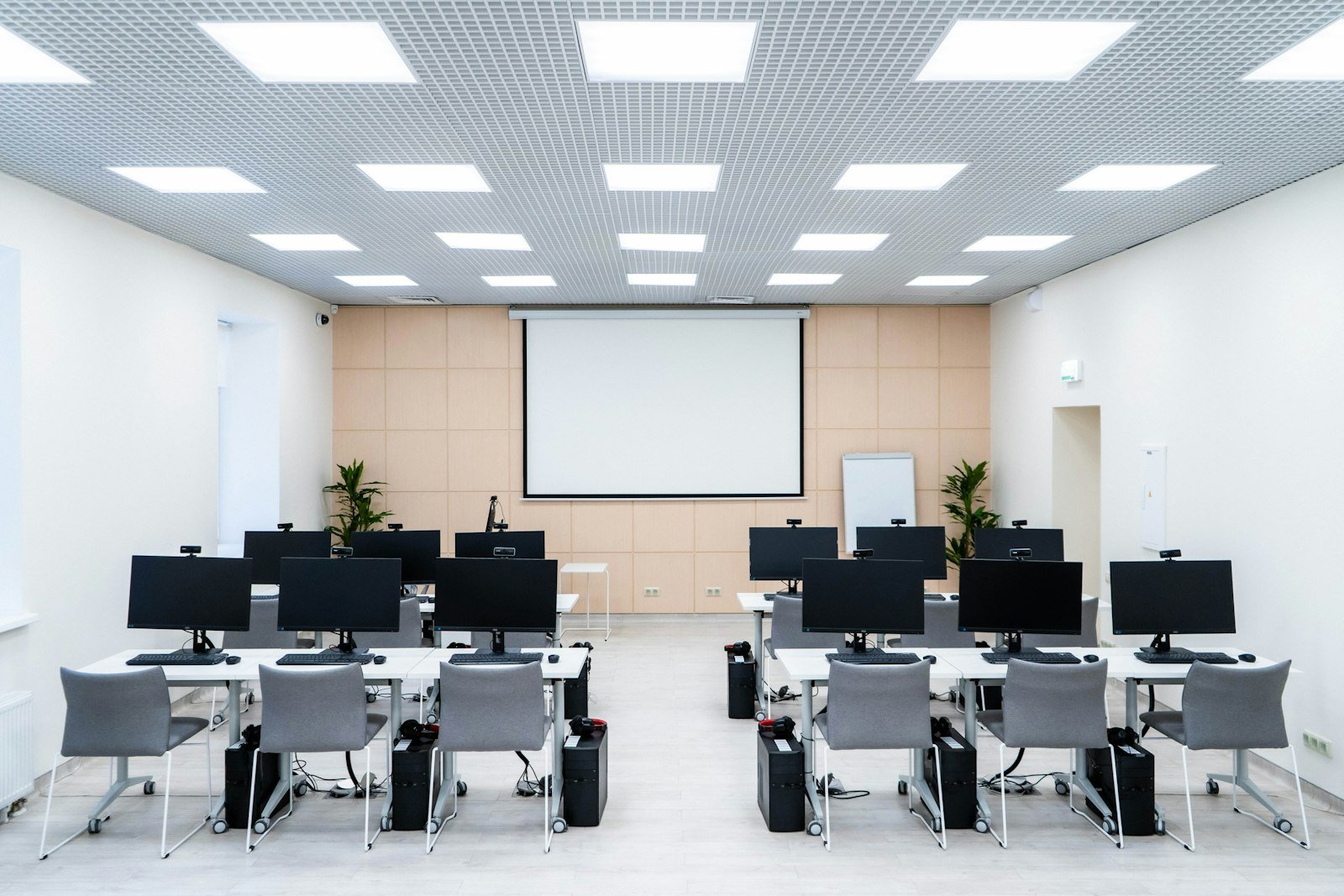
Smart Classroom Ideas by Subject
Science
Rotate 3D models of the heart, atoms or the solar system. Run virtual experiments when lab time is limited, and annotate diagrams live.
Mathematics
Draw precise graphs and geometric shapes, use built-in rulers and protractors, and let AI math solvers show step-by-step working.
Languages
Play audio stories, highlight grammar on the screen and translate text into Indian languages for multilingual classes.
Social science
Zoom into maps, show historical videos and build timelines that students complete together.
Computer science
Demonstrate code live, share student screens to the board and debug programs together.
Beyond the Classroom: Extending Smart Technology Across Campus
Once your smart classroom programme succeeds, extend technology to other spaces:
- Auditoriums: Fine-pitch LED walls deliver clear visuals for assemblies and events. Explore our LED display solutions.
- Corridors and reception: Digital signage shows timetables, notices and achievements. See our digital signage range.
- Recording studio: A dedicated teaching studio produces polished online courses. Learn about our smart teaching studio setup.
Smart Classroom Setups for Different Institutions
K-12 schools
Schools need durable panels, simple software, curriculum-aligned content and child-safe controls. Most schools standardise on 75-inch panels for regular classrooms and 86-inch panels for labs. Standardising simplifies training, because every teacher uses the same interface in every room.
Coaching institutes
Coaching centres teach large batches and repeat the same topics many times. They gain the most from recording. A coaching smart classroom with a camera, microphones and lesson capture lets faculty record once, build a lecture library and serve students across centres and online batches.
Colleges and universities
Higher-education rooms vary from small tutorial rooms to tiered lecture halls. Faculty often need Windows software, so an OPS slot-in PC becomes important. Large halls may pair an interactive panel at the lectern with an LED wall for the audience.
Corporate training centres
Training rooms use the same technology for workshops, video calls and e-learning production. Native support for Zoom, Microsoft Teams and Google Meet turns a training room into a hybrid learning hub.
Maintenance and Care
A smart classroom stays reliable with simple routine care:
- Clean the screen weekly with a soft microfibre cloth and a screen-safe cleaner. Never spray liquid directly on the glass.
- Switch off properly at the end of the day so the panel saves sessions and cools down.
- Install updates when the panel prompts you. Updates add features and fix security issues.
- Check cables and the UPS every month for loose connections or battery warnings.
- Log issues in a shared register so the service team fixes recurring problems quickly.
- Schedule a yearly health check with your vendor to inspect touch accuracy, ports and power supply.
Screen Time, Safety and Data Privacy
Parents sometimes worry about screen time. A well-run smart classroom does not replace discussion, reading or hands-on work. Teachers use the panel for short, focused visual explanations and then return to activities, notebooks and conversation. Panels with anti-glare glass, flicker-free backlighting and low blue-light modes also reduce eye strain.
Data privacy matters too. Choose panels with user log-in, fingerprint or NFC access control, and secure cloud storage. Restrict app installation to approved apps, and teach students simple digital-citizenship rules. These steps keep every smart classroom safe for children and compliant with school policies.
Smart Classroom Trends to Watch
- AI teaching assistants: Panels now suggest content, solve problems step by step and translate lessons instantly.
- Built-in capture: Cameras and microphone arrays inside the panel make every lesson recordable.
- 3D and immersive content: Interactive 3D models bring science and geography to life.
- Connected campuses: Schools link classrooms, digital signage and auditorium displays into one managed network.
- Analytics: Usage data shows which tools teachers use most and where they need more training.
Planning with these trends in mind keeps your smart classroom investment relevant for years.
Questions to Ask Your Smart Classroom Vendor
- Which panel size do you recommend for each of our rooms, and why?
- Is the panel Google EDLA certified, and how long will it receive Android updates?
- What teaching software, AI tools and content come included, and do any of them carry annual fees?
- Does your quote include installation, mounting, cabling and a UPS?
- How many teacher training sessions do you provide, and do you offer refresher training every year?
- What is your onsite warranty period, and how quickly does your service team respond in our city?
- Can you set up a live demo smart classroom on our campus before we place the order?
Vendors who answer these questions clearly and in writing make reliable long-term partners. Vague answers usually signal hidden costs or weak support later.
Common Smart Classroom Mistakes
- Buying hardware without a plan: Goals, training and content matter as much as the screen.
- Ignoring power quality: Voltage fluctuations damage panels. Always add a UPS.
- Underestimating connectivity: Weak Wi-Fi turns streaming lessons into buffering sessions.
- Skipping teacher involvement: Teachers who help choose the equipment adopt it faster.
- Forgetting maintenance: Regular cleaning, updates and checks keep every smart classroom running smoothly.
Frequently Asked Questions
What is the minimum equipment for a smart classroom?
You need an interactive flat panel, a safe mount, a UPS, internet connectivity and teaching software. Cameras, speakers and student devices add value but are optional.
How much does a smart classroom cost in India?
The panel accounts for most of the cost. A 75-inch panel typically costs ₹1 lakh to ₹1.75 lakh in 2026, plus installation, power backup and training. The final figure depends on size, features and the number of rooms.
Can a smart classroom work in rural schools?
Yes. Panels work offline with saved lessons and preloaded content. A UPS and solar backup help in areas with frequent power cuts.
How long does it take to set up a smart classroom?
Installation of a single room takes a few hours. Planning, demos, pilots and training for a whole school usually take a few weeks.
Do smart classrooms improve results?
When teachers use them regularly, smart classrooms improve engagement and concept clarity, which supports better results. Training and consistent use make the difference.
Start Building Your Smart Classroom
A smart classroom transforms the way your teachers teach and your students learn. Techsens India has helped more than 500 institutions across India set up AI-enabled classrooms with Senses interactive panels, installation, training and ongoing support.
Book a free live demo, and our team will visit your campus, assess your rooms and design a smart classroom plan that fits your goals and budget.