
Printed posters fade, flex banners tear and paper notices get ignored. That is why shops, schools, hospitals, hotels and offices across India are switching to digital screens that update in seconds. Before you take the leap, though, you need a clear answer to one question: what is the real digital signage cost for your business?
The answer has several parts. You pay for the display hardware, the media player, the content management software, installation and, over time, content creation, electricity and maintenance. This guide explains each part, shows indicative price ranges for 2026 and helps you build a realistic budget. You will also learn how to cut the digital signage cost without hurting results.
What Is Digital Signage?
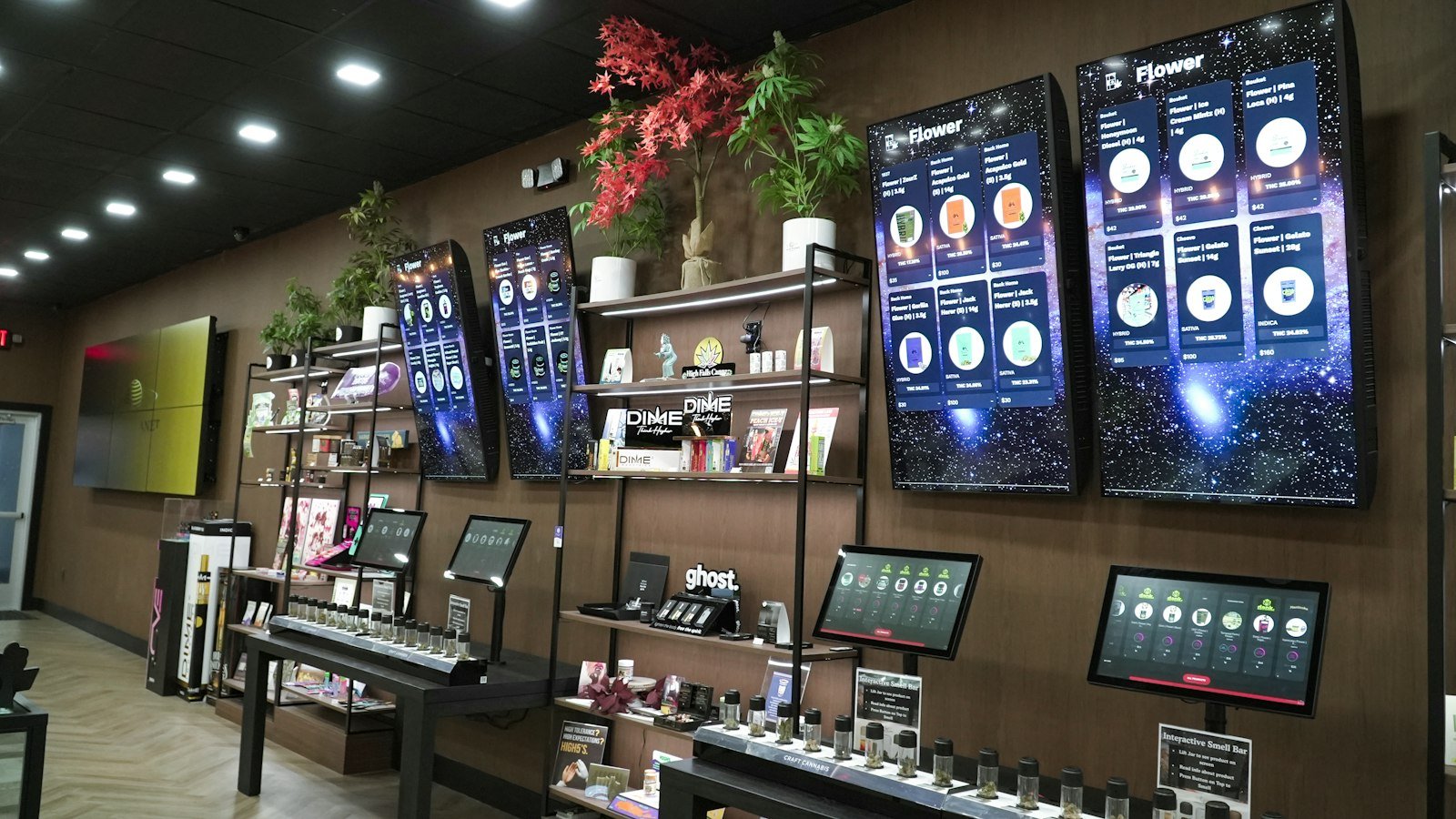
Digital signage uses commercial displays to show videos, images, text, menus, schedules and live information. Unlike a home TV, a commercial signage display runs for long hours, plays content automatically from a schedule and lets you update content remotely from a phone or computer.
Common formats include floor-standing standees, portable A-type standees, wall-mounted displays, interactive kiosks, video walls and outdoor LED screens. Each format carries a different digital signage cost, so choosing the right format is the first step in controlling your budget.
The Five Components of Digital Signage Cost
1. Display hardware
The display is the largest single item in your digital signage cost. Its cost depends on size, resolution, brightness, duty cycle (16 hours or 24 hours a day), touch capability and enclosure.
2. Media player
Many modern displays include a built-in Android media player, which removes the need for a separate box. Others need an external player or PC, which adds to the digital signage cost.
3. Content management software (CMS)
A CMS lets you upload, schedule and update content across screens. Some vendors include a CMS, while others charge a monthly or yearly licence per screen.
4. Installation and accessories
Wall mounts, floor bases, cabling, power points, network setup and on-site commissioning all add to the digital signage cost.
5. Content and running costs
Design work, video production, electricity, internet and maintenance keep adding to the digital signage cost for the life of the screens.
Digital Signage Cost by Hardware Format (Indicative 2026 Ranges)
Market listings in 2026 show the following indicative hardware ranges for indoor commercial signage in India. Actual quotes vary with brand, specification and quantity.
| Format | Common sizes | Indicative hardware cost (INR) |
|---|---|---|
| Tabletop display | 10–22 inch | ₹10,000 – ₹25,000 |
| Floor standee (non-touch) | 43 inch | ₹25,000 – ₹55,000 |
| Floor standee (non-touch) | 55 inch | ₹50,000 – ₹80,000 |
| Floor standee | 65 inch | Around ₹95,000 and above |
| Touch kiosk | 32–55 inch | ₹45,000 and above, depending on size and touch type |
| Wall-mount commercial display | 32–75 inch | Varies widely with size and brightness |
For very large or outdoor installations, LED screens priced per square foot usually make more sense. Our guide to LED display screen price covers those costs in detail.
Full HD vs 4K: How Resolution Affects Digital Signage Cost
Full HD (1920 x 1080) works well for most menus, offers and notices viewed from a few metres away. 4K (3840 x 2160) delivers sharper text and images for close viewing, large screens and premium brands. 4K models usually raise the digital signage cost, but they often include stronger processors, newer Android versions and longer-rated panels.
For example, our digital signage range includes an S-Series Full HD line with Android 9 and a 50,000-hour LED lifespan for 16 hours a day of operation, and a 4K series with Android 11, a 60,000-hour lifespan, 24/7 operation and optional capacitive touch. Choosing between them depends on how long your screens run each day and how close your audience stands.
Software: The Ongoing Part of Digital Signage Cost
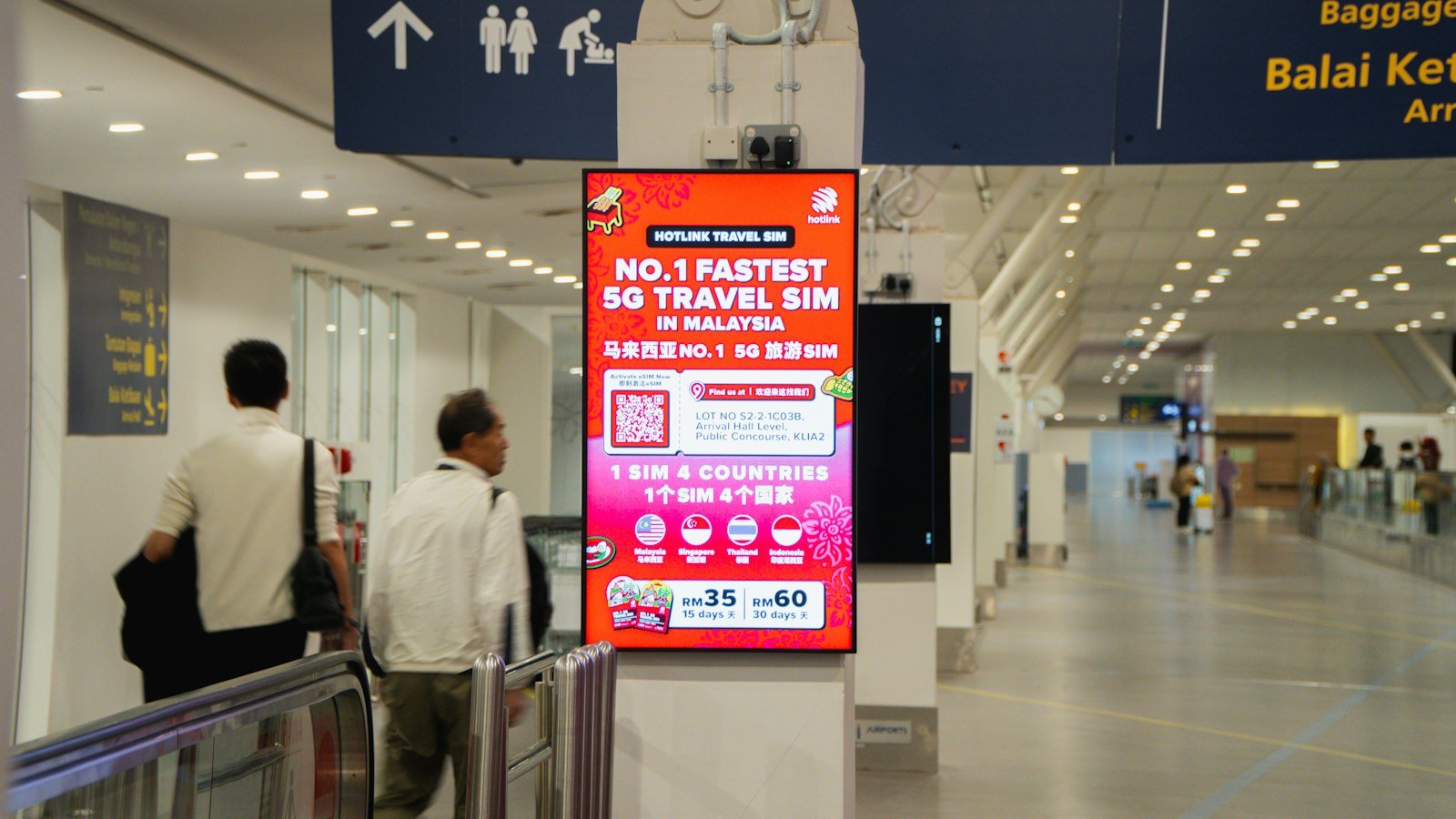
Software decides how easily you manage your screens. Three common approaches exist:
- USB playback: You copy content to a USB drive and plug it in. It costs nothing extra but needs a visit to each screen for every update.
- Mobile app control: You update content from a smartphone over Wi-Fi. It suits small shops with a few screens.
- Cloud CMS: You schedule content for many screens across locations from a web dashboard. It suits chains, campuses and hospitals.
Cloud CMS platforms often charge per screen per month or year. Over five years, these fees can add meaningfully to the total digital signage cost, so compare them carefully. Some solutions, such as our SignEdge CMS, support USB, mobile and cloud management on the same displays, so you choose the level of control you need.
Installation and Infrastructure Costs
- Mounting: Wall brackets, ceiling mounts or floor bases.
- Power: Dedicated sockets and surge protection near each screen.
- Network: Wi-Fi coverage or LAN points for cloud-managed screens.
- Enclosures: Protective casings for semi-outdoor or high-traffic areas.
- Commissioning: Setup, content upload and staff training.
Portable standees need almost no installation, which keeps the digital signage cost low for retail promotions and events. Wall-mounted screens and kiosks need more planning and labour.
Running Costs Over Five Years
| Running cost | What drives it | How to reduce it |
|---|---|---|
| Electricity | Screen size, brightness, hours | Schedule on/off times, use auto-brightness |
| Content creation | Design and video frequency | Use templates and reuse brand assets |
| CMS licences | Number of screens | Choose platforms with no or low recurring fees |
| Internet | Cloud updates, live feeds | Cache content locally on the player |
| Maintenance | Usage hours, environment | Buy commercial-grade displays with warranty |
Planning these running costs upfront gives you an honest view of the total digital signage cost and prevents budget surprises in year two.
Sample Budgets by Industry
Retail store
To keep the digital signage cost low, a clothing or electronics store might use one 55-inch standee at the entrance, two wall-mounted screens near key sections and a tabletop display at billing. The digital signage cost here stays moderate, and the screens pay back through higher sales of promoted products.
School or college
A campus typically installs screens at reception, corridors, the staff room and the canteen to show timetables, notices, achievements and safety messages. A cloud CMS lets the admin office update every screen from one place.
Hospital or clinic
Healthcare providers place screens in waiting areas for queue information, doctor schedules and health awareness. Reliable 24/7 operation matters here, so 4K commercial models with long-rated panels suit these spaces.
Corporate office
Offices use lobby screens for branding and visitor welcomes, and floor screens for internal announcements, dashboards and recognition. Integration with calendars and live data adds value.
Restaurant or café
Digital menu boards let restaurants change prices and daily specials instantly and promote high-margin items at peak hours. Three or four wall-mounted screens above the counter are common.
Is Digital Signage Worth the Cost?
Digital signage replaces recurring print costs, captures attention better than static posters and lets you change messages instantly. Retailers promote offers by time of day, schools communicate urgent notices in seconds and hospitals reduce queue anxiety. When you compare these benefits with the recurring expense of printing and replacing posters, the digital signage cost often pays back within a reasonable period.
How to Reduce Digital Signage Cost Without Cutting Quality
- Choose the right size: A 43-inch screen at eye level often outperforms a larger screen placed poorly.
- Use built-in players: Android-powered displays remove the cost of external media players.
- Match duty cycle to usage: Buy 24/7 models only for screens that truly run around the clock.
- Pick flexible content management: Use USB or mobile control for single screens and cloud CMS only where you need it.
- Standardise models: Fewer models simplify spares, training and support.
- Buy commercial-grade displays: Consumer TVs fail sooner under long hours and void warranties.
Buy, Rent or Lease: Three Ways to Manage Digital Signage Cost
Buy outright
Buying gives you full ownership and the lowest long-term digital signage cost for permanent screens. It suits schools, hospitals, offices and stores that run screens every day for years.
Rent for events
Rental standees and screens suit exhibitions, weddings, product launches and seasonal campaigns. Market listings show 43-inch standee rentals from a few thousand rupees per unit, depending on duration and location. Renting avoids a large upfront digital signage cost when you need screens for only a few days.
Lease or EMI
Leasing and EMI plans spread payments over months. They help multi-location businesses roll out screens quickly while protecting cash flow.
Digital Signage Cost for Multi-Location Businesses
Chains with many branches face a different equation. Hardware still matters, but central control becomes the biggest lever. A cloud CMS lets head office push campaigns to every branch at once, approve local content and monitor screen health remotely. This saves travel, prevents outdated offers from staying on screen and keeps branding consistent.
To keep the per-branch digital signage cost low, standardise on two or three display models, create reusable content templates and schedule campaigns weeks ahead. Roll out in phases, starting with your busiest locations, and use their results to plan the next wave. This approach turns signage from a one-time expense into a managed communication network.
Hidden Costs to Watch For
- Per-screen software fees that grow as you add screens.
- Content design charges if the vendor creates templates or videos for you.
- Extended warranty beyond the standard period.
- Replacement remotes, stands or mounts damaged in high-traffic areas.
- Transport and installation for multiple branches in different cities.
- GST if the quote excludes taxes.
Ask every vendor to list these items. An itemised quote shows the true digital signage cost and makes comparisons fair.
Content Ideas That Justify the Investment
Great content turns screens into revenue and engagement. Use these ideas to get more value from every rupee of digital signage cost:
- Time-based promotions: Show breakfast offers in the morning and dinner combos in the evening.
- Social proof: Display customer reviews, social media posts and testimonials.
- Live information: Show queue numbers, weather, news headlines or event countdowns.
- Wayfinding: Guide visitors in malls, hospitals and campuses with interactive maps.
- Recognition: Celebrate student achievements, employee milestones and customer anniversaries.
- Split-screen layouts: Combine a promotional video, a ticker and a clock on one screen to communicate more at once.
Measuring the Return on Digital Signage Cost
Track simple metrics to prove the value of your screens:
- Sales uplift: Compare sales of promoted products before and after the campaign.
- Print savings: Total the posters, banners and notices you no longer print.
- Perceived wait time: Survey visitors in waiting areas about their experience.
- Engagement: Count QR-code scans, kiosk interactions and enquiries generated by screen content.
- Communication speed: Measure how quickly urgent notices reach staff, students or visitors.
When you review these metrics each quarter, you see clearly how the digital signage cost turns into measurable results, and you know where to add more screens.
How to Choose a Digital Signage Partner
The right partner keeps your digital signage cost predictable for years. Look for a vendor that offers commercial-grade displays, flexible content management, professional installation, local support and clear warranty terms. Ask for references in your industry, and visit an installation if you can. A partner who understands your space and audience will recommend fewer, better-placed screens instead of simply selling more hardware.
Frequently Asked Questions
What is the average digital signage cost for a small business?
A small shop with one or two indoor 43-inch screens and simple USB or mobile content control usually spends far less than a multi-location chain using cloud management. Hardware for a 43-inch standee typically starts around ₹25,000 in market listings, with installation and content on top.
Can I use a normal TV as digital signage?
You can, but consumer TVs are not built for long daily hours, often lack remote content scheduling and may lose warranty coverage in commercial use. Commercial displays cost more but last longer.
Do I need internet for digital signage?
No. USB playback works offline. Internet becomes necessary for cloud CMS updates, live feeds and remote monitoring.
How long do digital signage displays last?
Commercial displays are typically rated for 50,000 to 60,000 hours of LED backlight life, depending on the model and usage.
Is touch-enabled digital signage worth it?
Touch kiosks suit wayfinding, product catalogues, self-ordering and feedback collection. They cost more, so choose touch only where people need to interact.
Get a Clear Digital Signage Quote
Techsens India offers floor standees, A-type standees, wall-mount displays and 4K kiosks in 32, 43 and 55-inch sizes, in Full HD and 4K, with USB, mobile and cloud management. Our team studies your space, audience and content goals, then recommends a setup that keeps your digital signage cost in line with the results you expect.
Explore our digital signage solutions or contact us for an itemised quote.